Today Shopyai mainly builds and looks after multilingual websites for small businesses: Have a website built for you. This article describes a feature for online shops on Shopyai. New shops cannot yet be created directly in every country; elsewhere there is a waiting list.
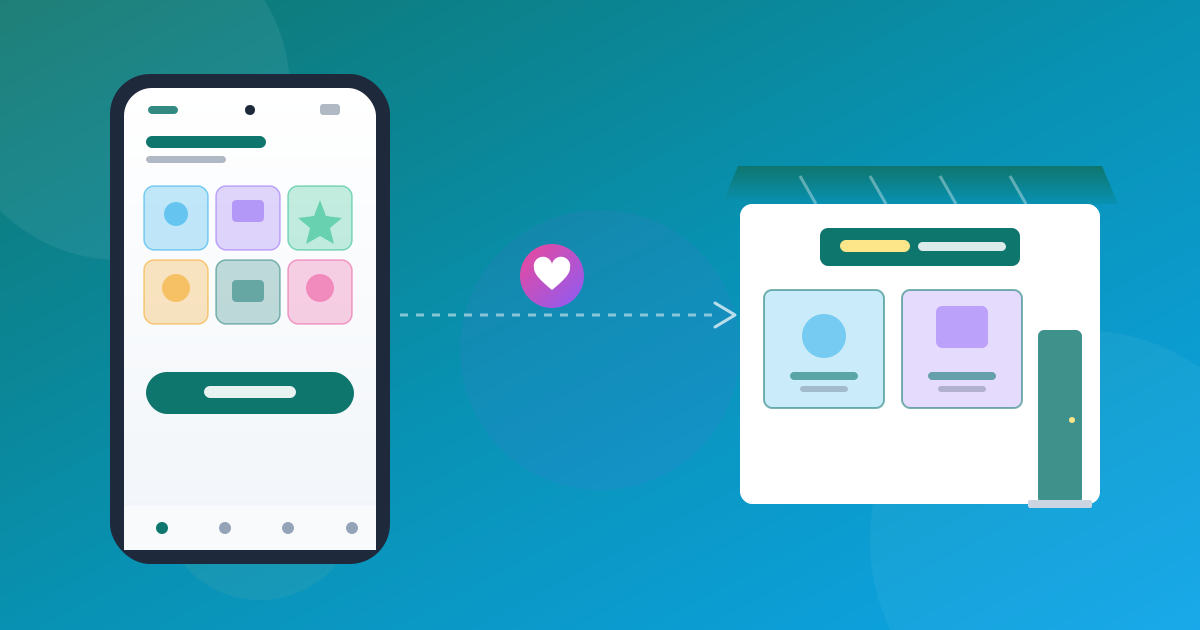
Instagram is good for being found. As an order book it is of little use: enquiries get lost in the messages, the same questions keep coming, and nobody can see which order has been paid. You do not have to give up Instagram for this. It is enough to separate the order from the conversation: being found on Instagram, ordering in the shop.
First add your most requested products, state price and shipping openly and swap the bio link. Answer questions in your messages with the link to the product. Instagram remains your shop window.
What belongs where
| On Instagram | In the shop |
|---|---|
| Photos, Reels, stories about your products | Price, sizes, availability |
| Questions about style and personal conversations | Order, address, payment method |
| Showing new arrivals | Order overview and status |
The switch in five steps
What happens to your posts
Posting directly from Shopyai to Instagram will become possible for all customers once Meta has approved the integration. Until then, you publish there yourself as usual. The article Auto-posting to social media explains how the preparation works.
Two common mistakes
Anyone who first has to ask for the price often drops out. State price and shipping openly in the shop.
Anyone who has seen a particular product wants to go there. In messages, always link to the specific product.
Frequently Asked Questions
Do I have to give up Instagram?
No. Instagram remains the place where people find you. Only the ordering happens in the shop.
How quickly can I make the switch?
That depends on your range. With just a few products an evening is often enough; payment, shipping and legal texts come on top of that.
Can Shopyai post directly to Instagram?
Once Meta has approved the integration, this is open to all customers. You need a Business or Creator account for it.
Does every order cost a fee?
You handle prepayment and payment on delivery yourself. Shopyai deducts nothing from the amount. You can see the plans in your account.