Today Shopyai mainly builds multilingual websites for small businesses and looks after them: Have a website built for you. This article describes a feature for online shops on Shopyai. New shops cannot yet be created directly in every country; elsewhere there is a waiting list.
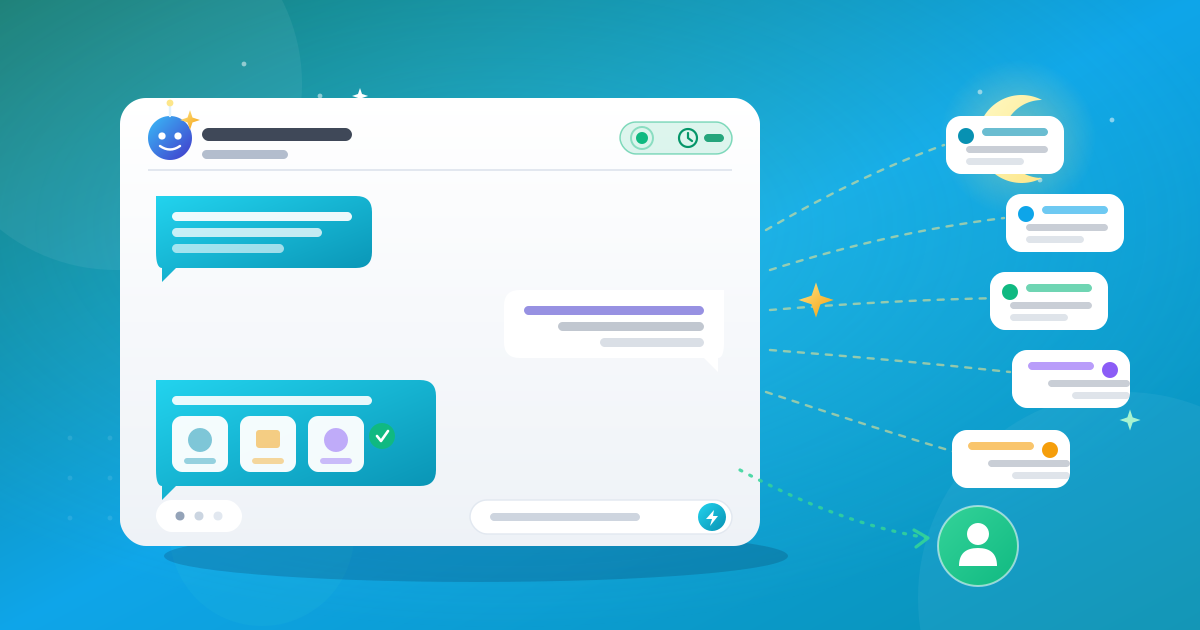
In the signed-in workspace, the Shopyai assistant answers questions about your shop in everyday language: How did orders go this week? Which products are running low? It writes text drafts and can carry out enabled tasks. Protected changes must first be confirmed by someone; it carries out simple ones directly. It is not the same as the chat for your visitors.
Questions and drafts cost nothing except the effort of reviewing them. Before changing anything important, the assistant asks. Answers can contain errors, so check figures and texts before you rely on them.
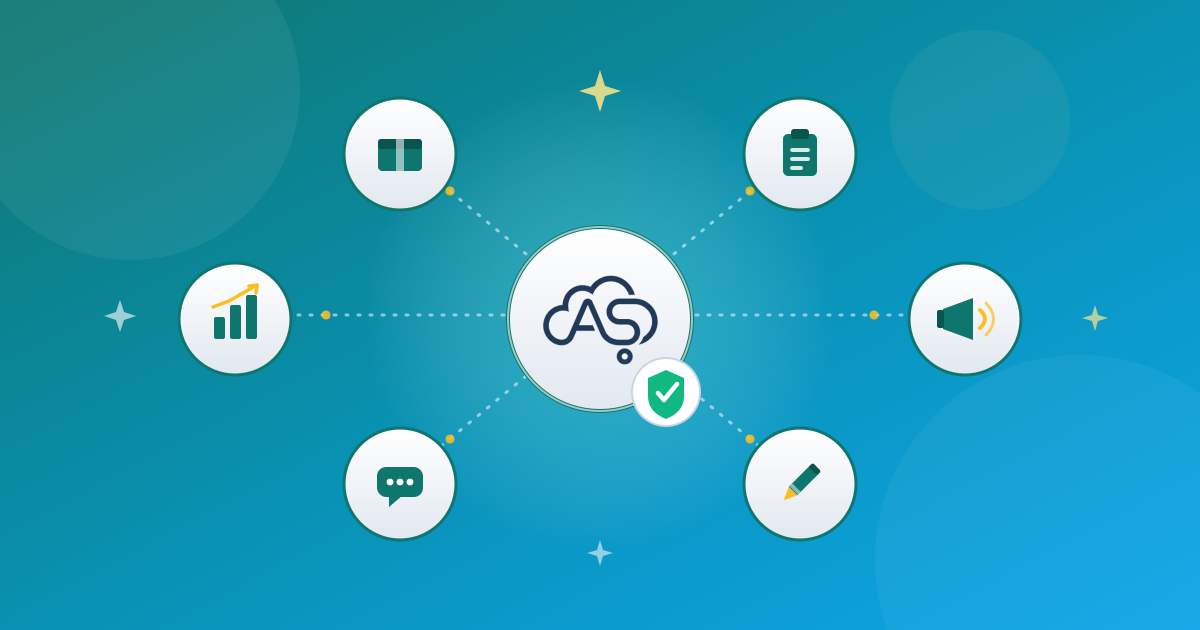
What it helps with
What it does directly and where it asks
| Directly | Only after your confirmation |
|---|---|
| Create or change a product draft | Publish a product or change a published one |
| Note on an order | Change the order status or cancel an order |
| Create or change a category | Delete a category |
| Create a discount code | Deactivate or delete a discount code |
| Create a new section | Change or delete a section, switch the design, publish the shop |
A selection. Which tools are available depends on the plan and setup.
Alerts and briefing
If you switch on AI insights, the assistant alerts you to low stock and unusual order numbers and sends a daily briefing if you wish. The switch is in the settings under Chat.
How to get good answers
- Be specific. Name the period and the product.
- Set limits. Say what it must not invent, for example prices or origin.
- Check the result. Compare important figures with the dashboard.
Two common mistakes
A text can sound good and still be wrong. Details on ingredients, origin or effects are always yours to check.
Simple actions such as a new discount code run without asking first. Look at the result right away.
Frequently Asked Questions
Does the assistant change my shop without me?
Protected changes need your confirmation. It carries out simple actions, such as a product draft or a new discount code, directly.
Can it also talk to my customers?
No. There is a separate chat for visitors. The assistant works only in the signed-in area.
Can it be used without limit?
No. Usage limits and enabled features depend on your plan.
Does it make mistakes?
Yes, that can happen. That is why you should check important figures and texts yourself.